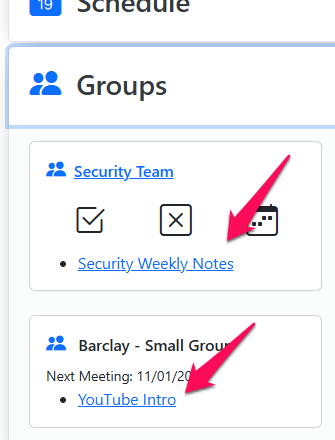
Everything you add to the Resources section of the App is accessible by anyone within the App. This feature allows you make resources available to just leader and members of a group, serving team, event, etc.
Here's how to set it up.
- From within the group you want to access a resource click Edit > Group Links.
- On that page click the blue + Add Link button and enter the link URL and Description (name) of the resource you want to make available.
- From within the App click Groups and you will see the live links for both leaders and members.